Windows
MicrosoftComplete installer for Windows 10/11 (64-bit).
Windows 10 / 11
64 bits
Offline work
Local video
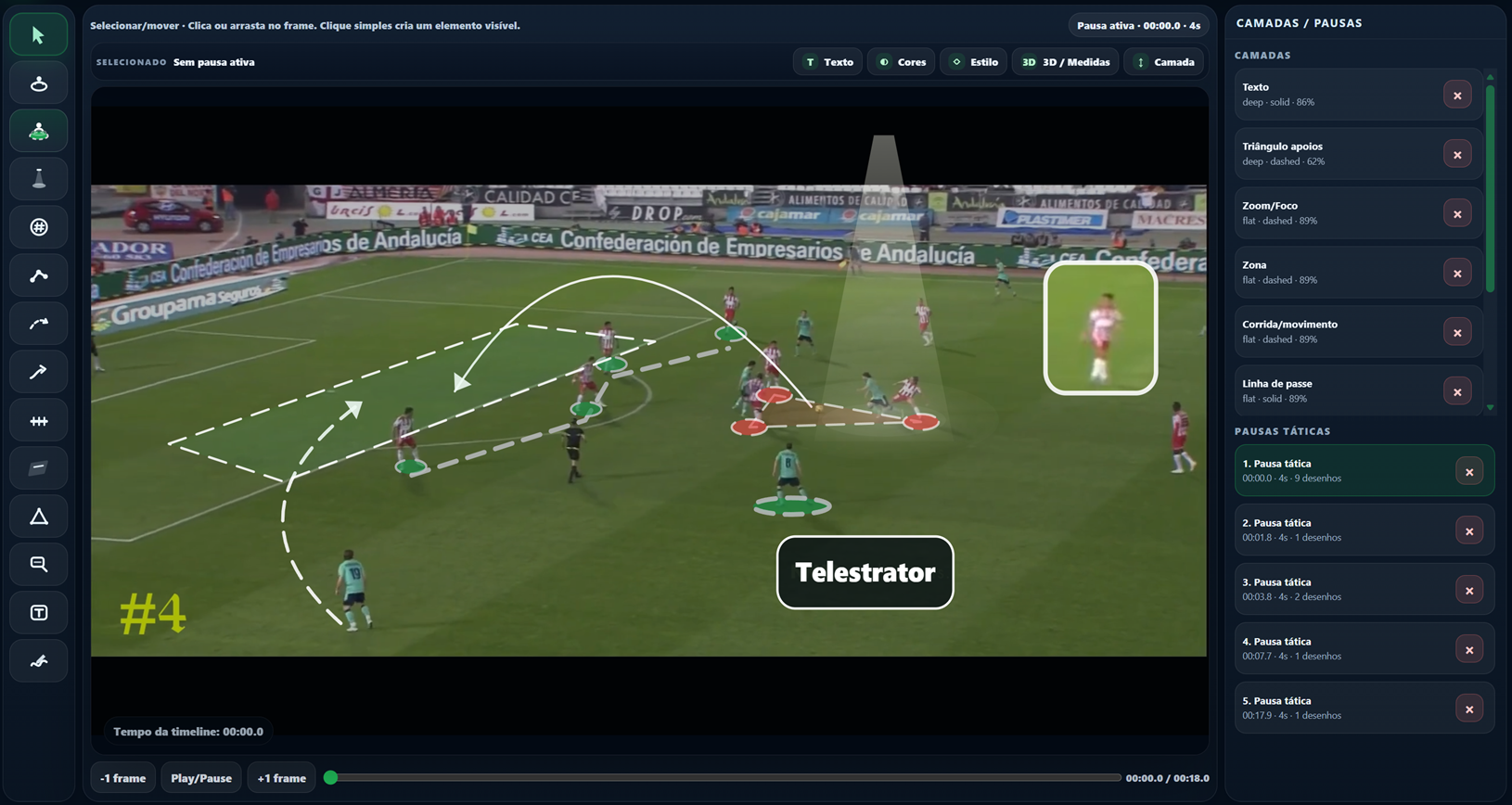
Work offline, open local video files directly on your computer and use Video Editor and Telestrator with local processing.
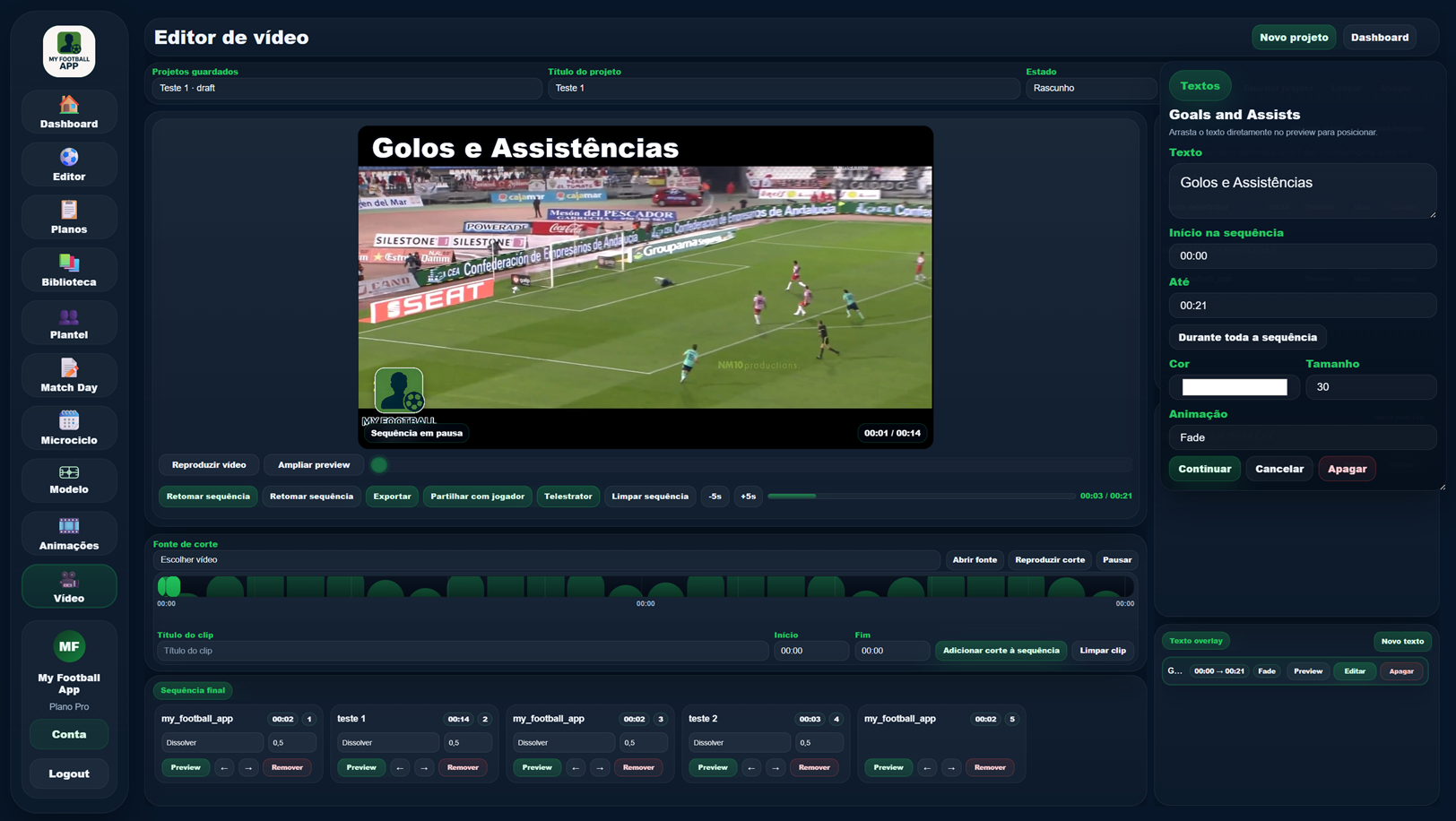
Bring video and analysis work into a dedicated application with local video, offline work and computer-side processing.
Install the version that matches your computer. These versions are currently experimental and may still contain errors or unexpected behaviour.
Complete installer for Windows 10/11 (64-bit).

Choose the installer that matches your Mac processor.
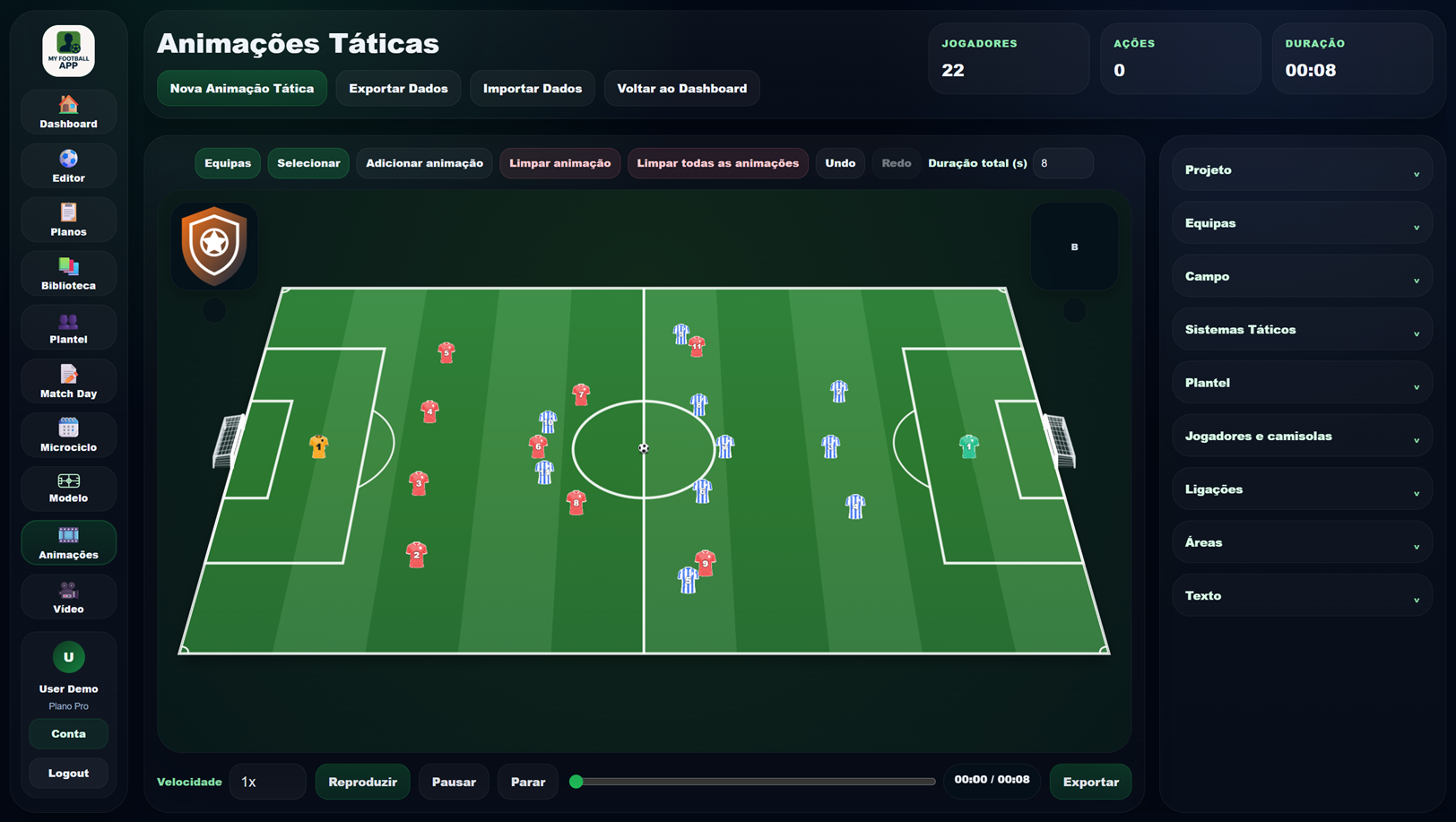
The feature is not isolated: it participates in the same data and work cycle as the rest of the platform.
The feature uses the same workspace, team and information already created elsewhere.
The goal is to reuse data and content instead of entering the same information again.
The result can continue into other tools without breaking the working context.
Related areas that continue the same workflow and reuse the same context.
Create your account and access the full My Football App ecosystem.