Player Portal

Player Portal

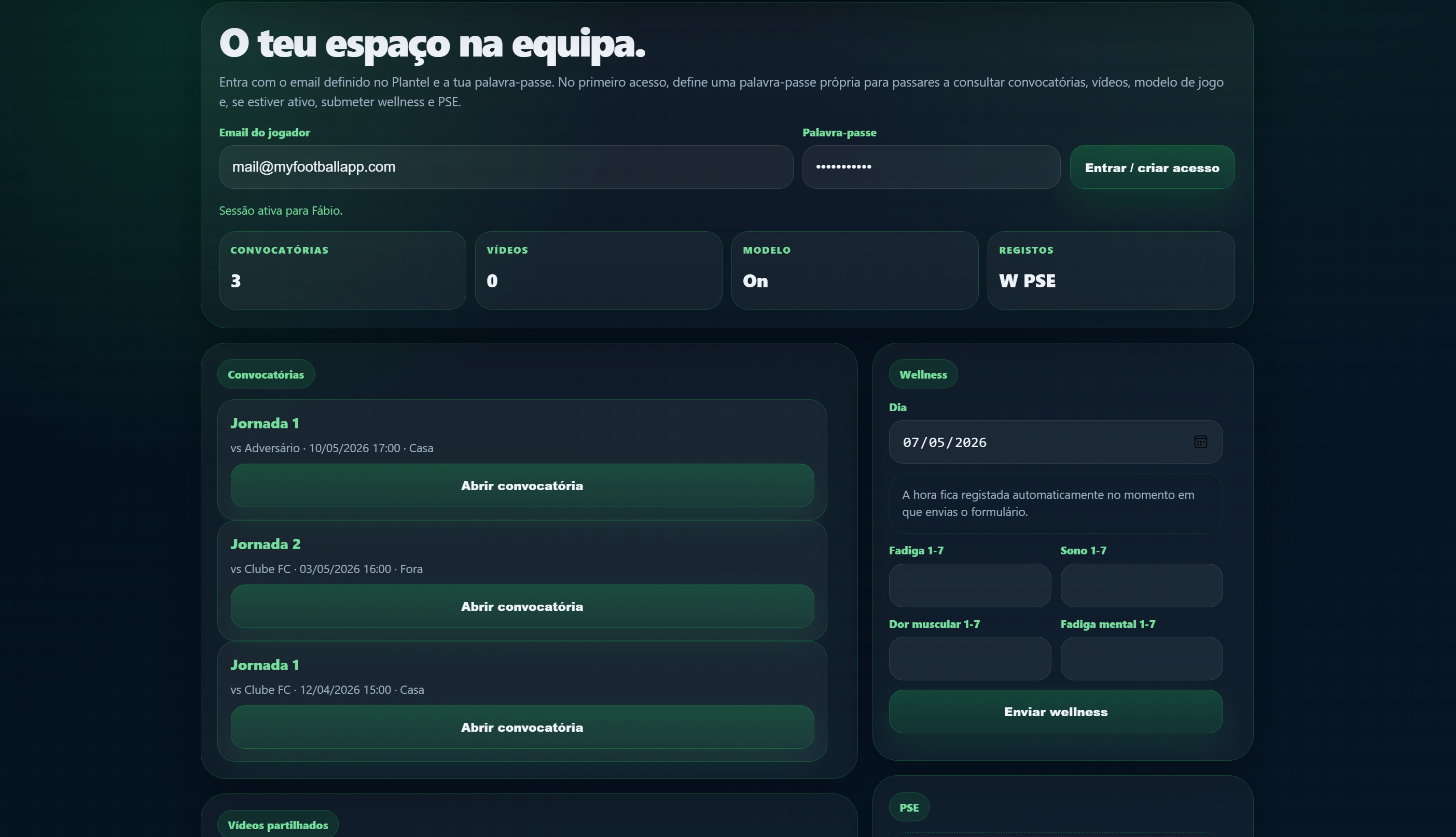
A mobile-first space where players can receive squad calls, view videos shared by the technical staff, consult the Game Model and submit wellness/RPE when those options are enabled.

Team and playersWeb + DesktopShared workspace
Player PortalPart of the My Football App connected ecosystem.
Team and playersArea
PT / ENAvailable in both languages
Shared dataIntegrated workflow
Player Portal
Overview

Player Portal

A mobile-first space where players can receive squad calls, view videos shared by the technical staff, consult the Game Model and submit wellness/RPE when those options are enabled.

Magic-link loginNo player password required · Access by the email defined in the Squad · Portal separated from the technical staff workspace
Squad callsView shared call-ups · Match data and schedules · Connected to Match Day
Private videosUnlisted links · Shared from the Video Editor · Individual messages per player
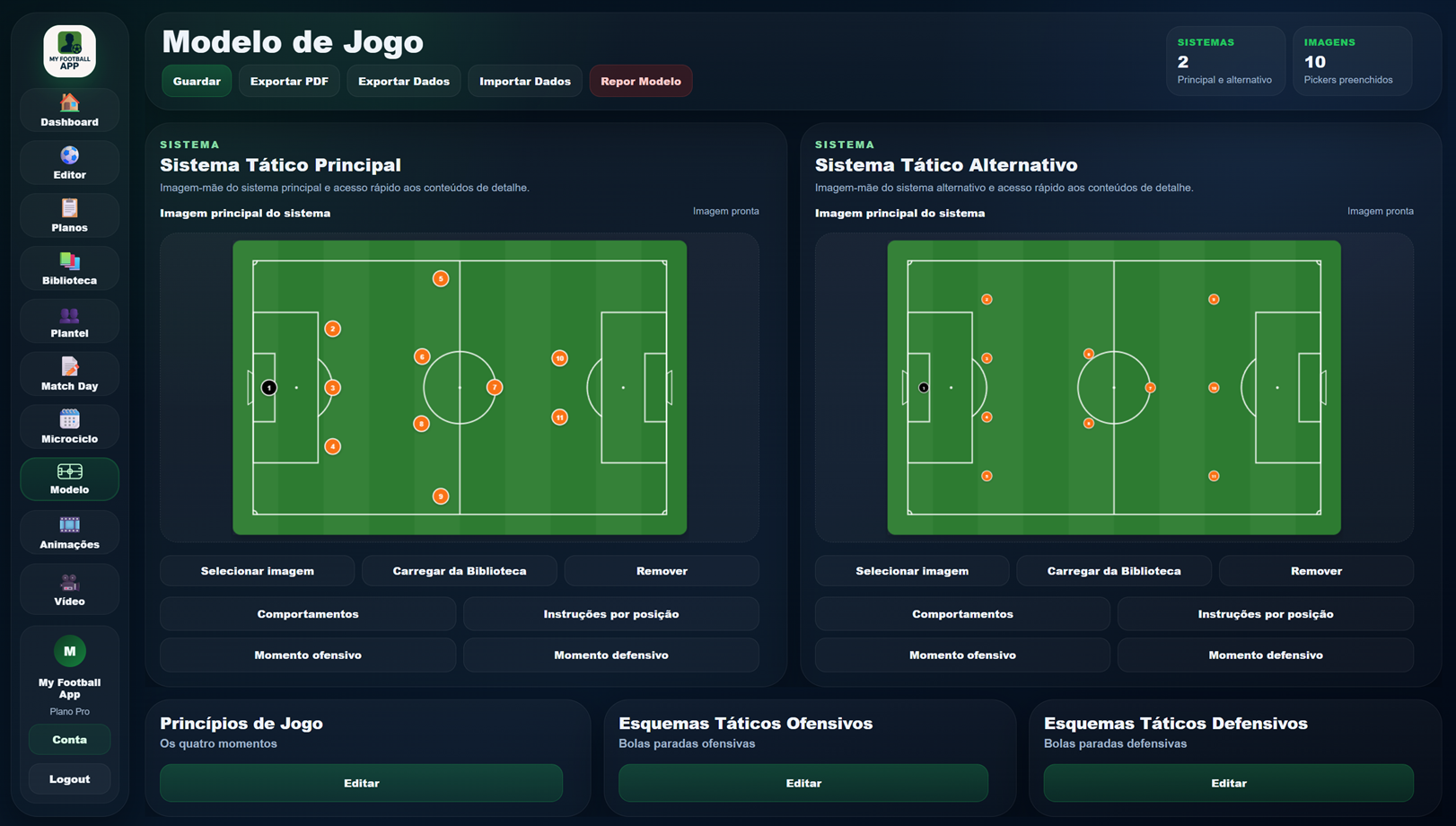
Game ModelView-only access · Same content as the app · Enabled by the technical staff
The admin decides what is available

01

Portal control

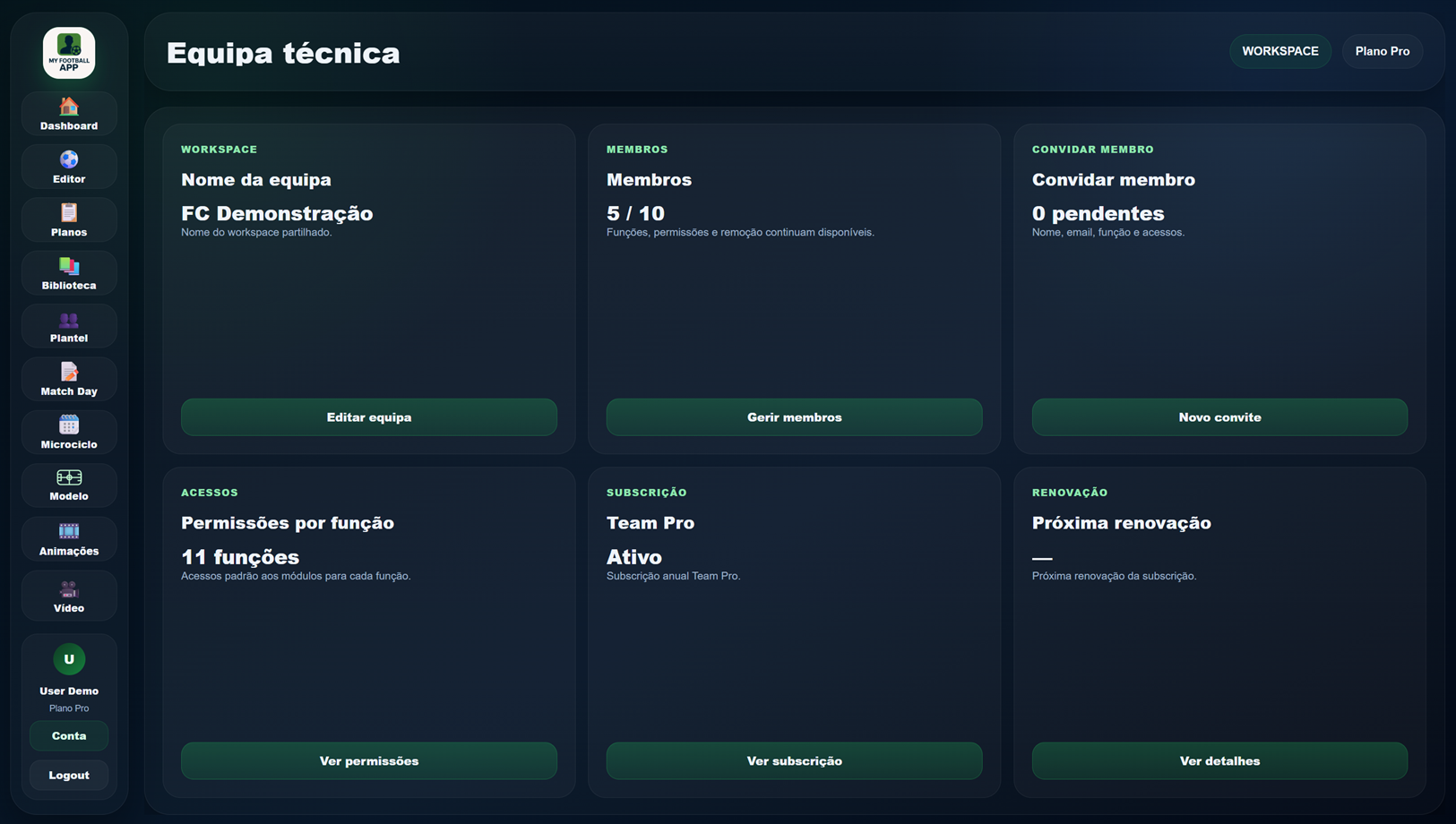
In Account, the Head Coach can enable or disable the Player Portal, squad calls, videos, Game Model, wellness and RPE. The technical staff therefore controls exactly what players can see or submit.

Connected to the rest of the ecosystem.

Related areas that continue the same workflow and reuse the same context.

Portal controlled by the technical staff

Share only what needs to reach players without opening the technical backoffice.

Create workspace